Protector
v.1.0.0
MobiWise Store is a free independent plugin store and extension for Mobirise. It lets you browse and install MobiWise blocks, plugins, addons, themes, and workflow tools directly inside Mobirise.
Browse ready-to-use Mobirise blocks and add them directly to your current project.
Install MobiWise plugins that extend Mobirise with practical tools and workflow improvements
Discover upcoming MobiWise themes designed to give Mobirise projects a complete visual starting point.
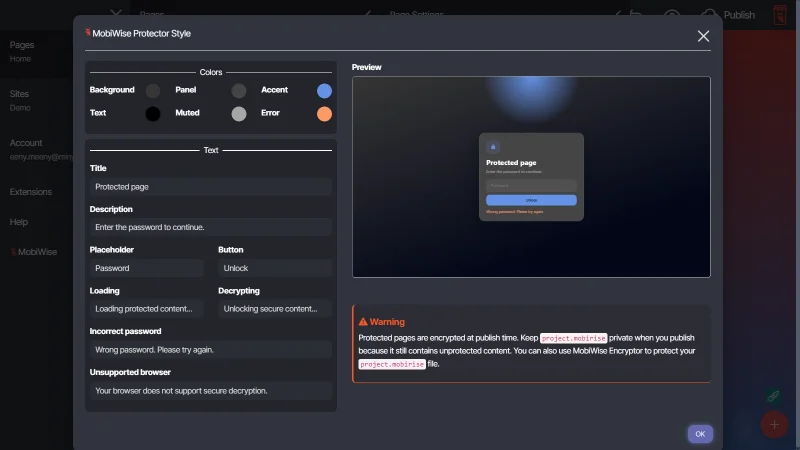
Encrypt published HTML pages with a password-protected unlock screen and a project-level style editor.
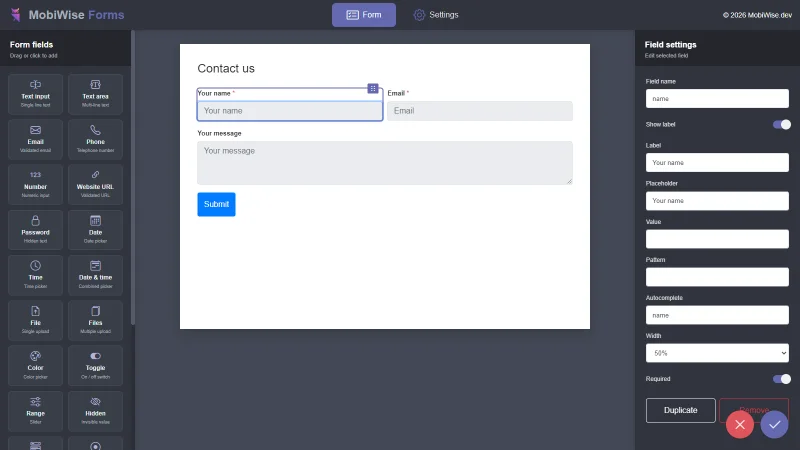
Build Mobirise forms and process submissions with local PHP actions.
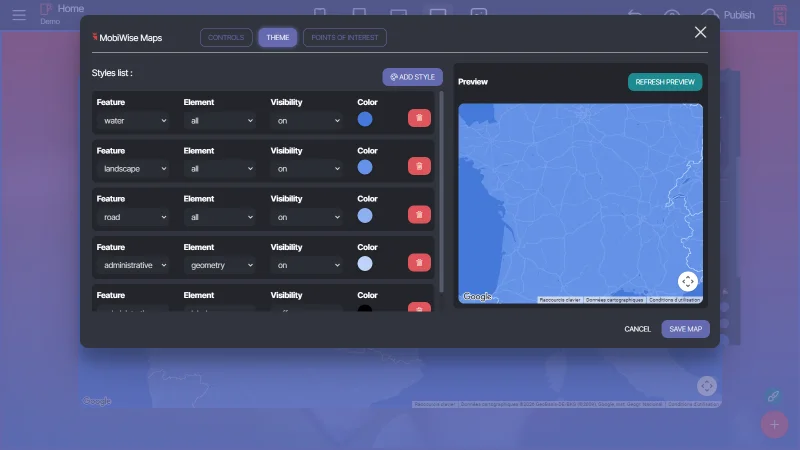
Replace the default Mobirise map with a customizable map, including colors, points of interest, and display options.
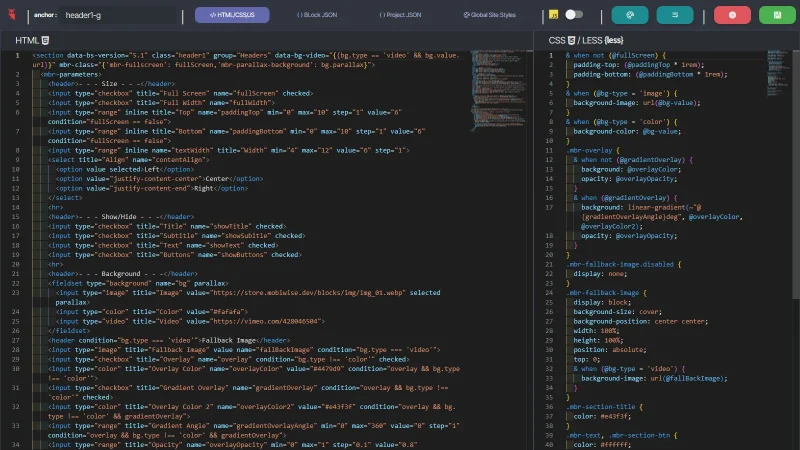
Advanced Code Editor for Mobirise.
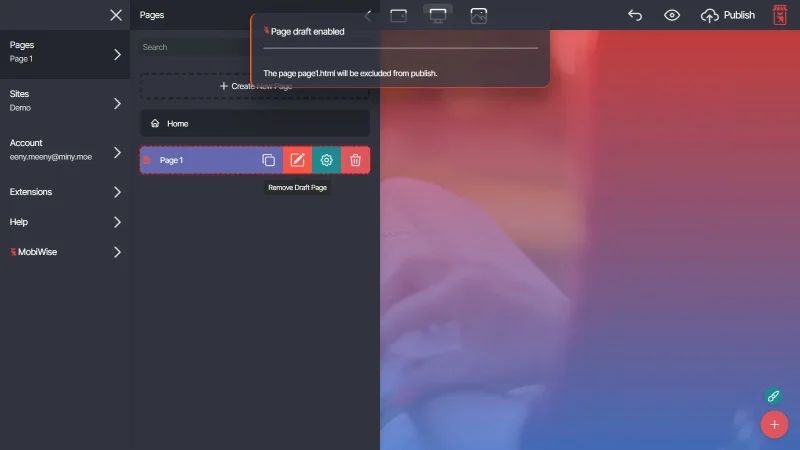
Mark sections or whole pages as draft so they stay visible in Mobirise while being excluded from published output. The home page index.html is always protected from page draft mode.
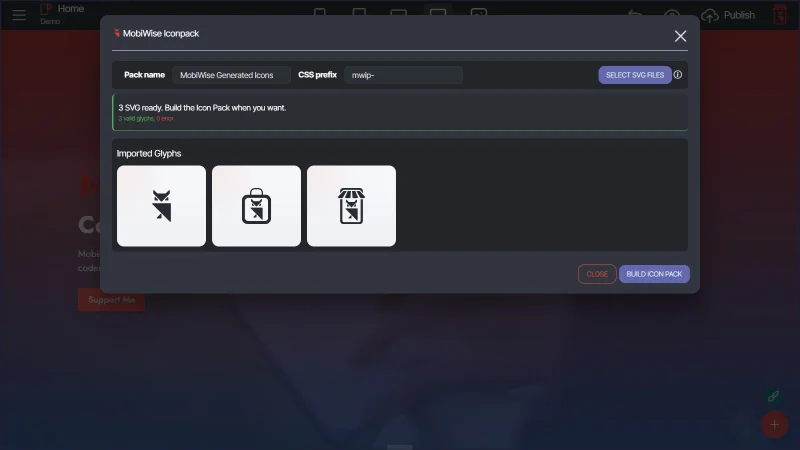
Build your own icon pack from local SVG files.
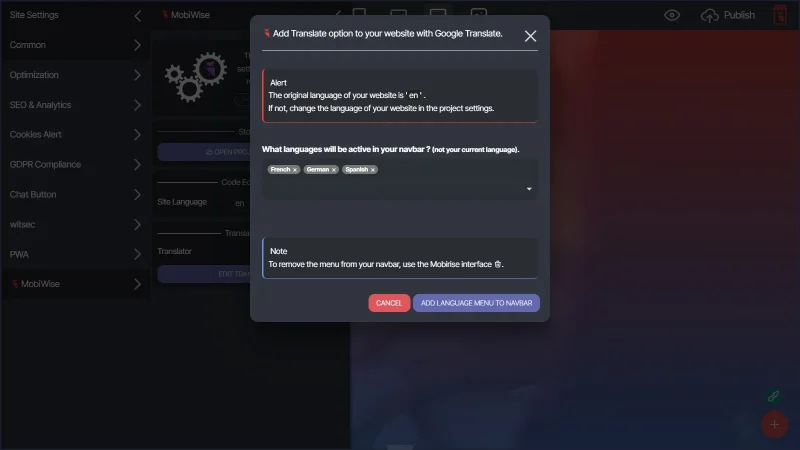
Add a translation dropdown menu to your navbar powered by Google Translate.
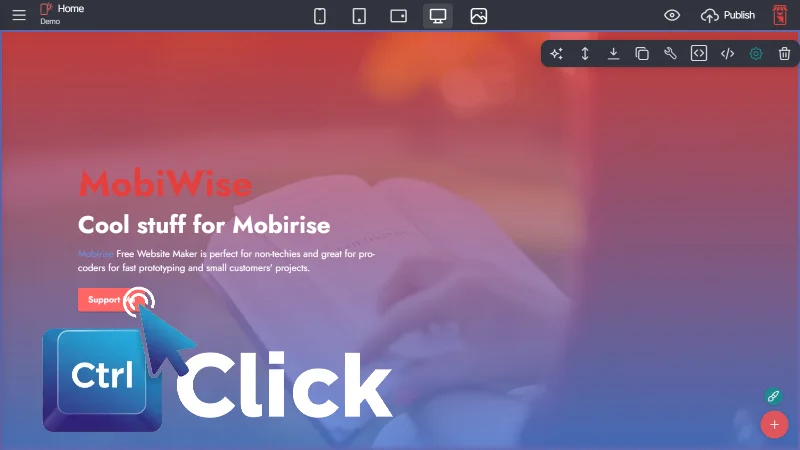
Follow links from the Mobirise interface with 'CTRL + click'. Navigate from page to page or to external links.
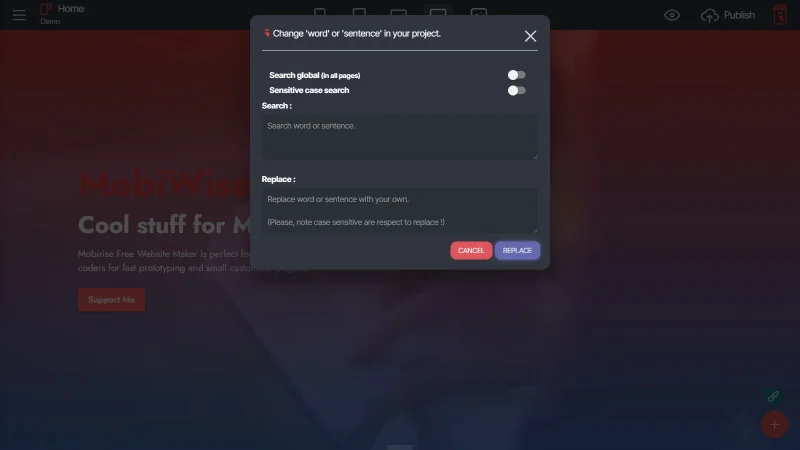
Quickly find and replace text across your Mobirise project.
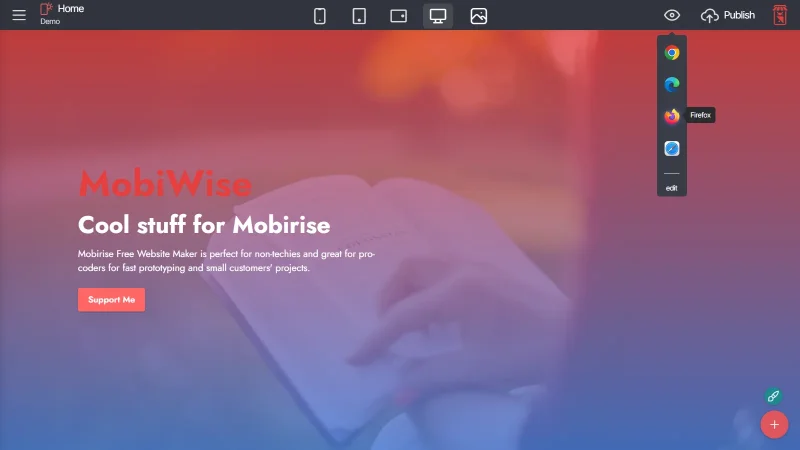
Choose the browser you want to preview your project.
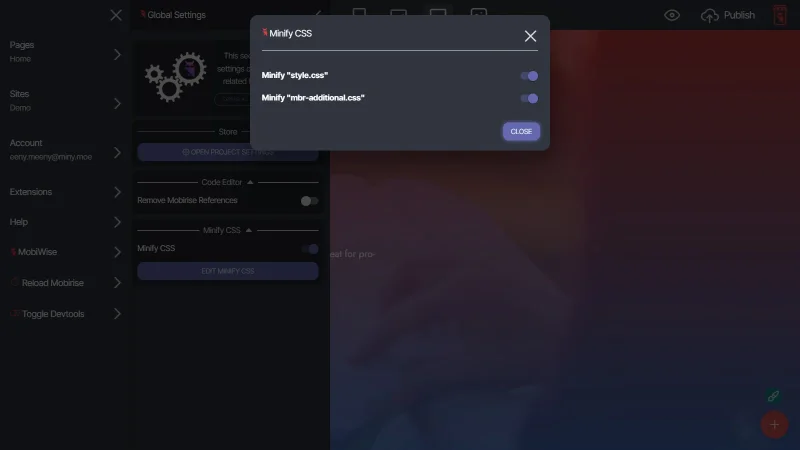
Minifies published CSS files.
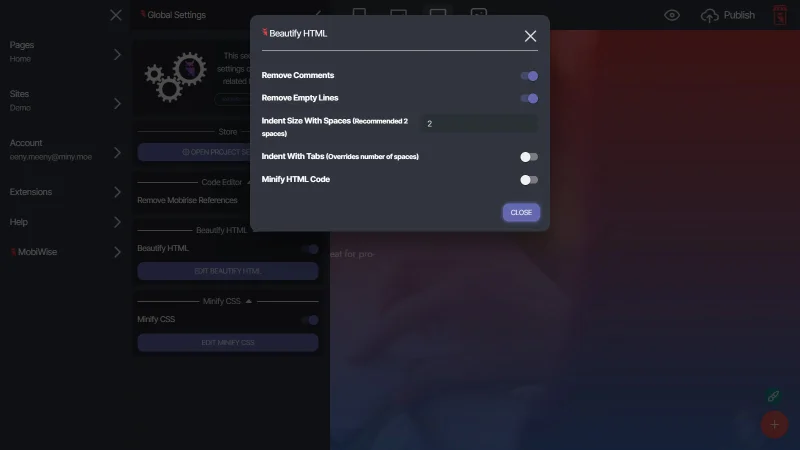
Clean, indent, and minify your Mobirise HTML output automatically on publish.
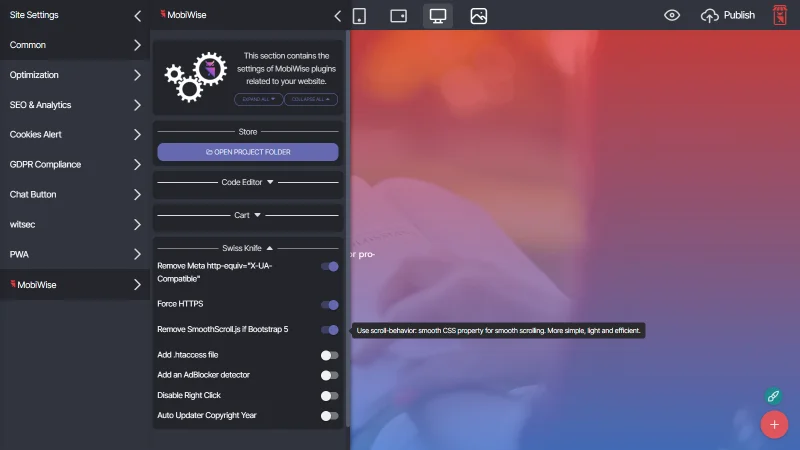
A compact Mobirise publishing toolbox to force HTTPS, clean legacy markup, add .htaccess rules, detect ad blockers, disable right-click, and keep copyright years up to date.
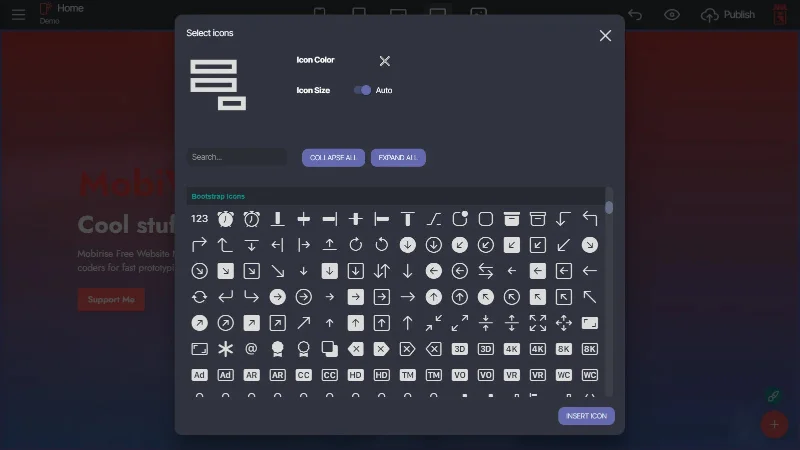
Add official Bootstrap icons to Mobirise.
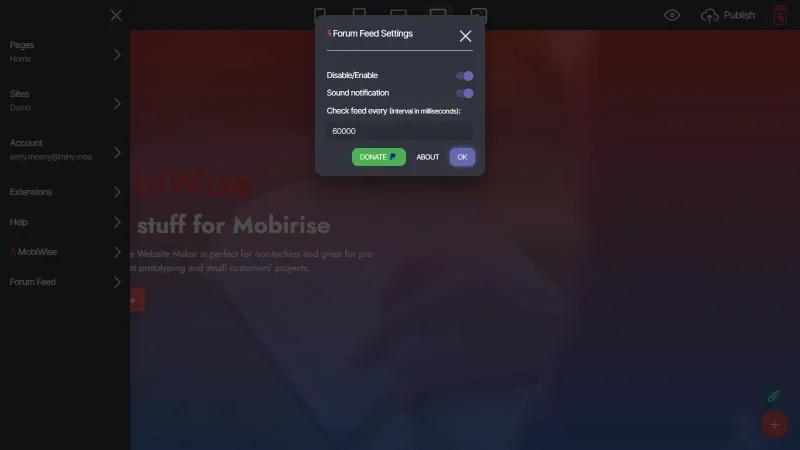
You like the Mobirise forum. You want to easily follow the feed in Mobirise. Download Forum Feed.
Download the latest version of MobiWise store.
Import it from the Mobirise extensions menu.
You are able to access a variety of helpful tools and resources.
Perfect for discovering MobiWise Store and using free resources inside Mobirise.
For users who want the full MobiWise experience and access to exclusive content.
One payment. Lifetime access. Current and future premium content included.
Yes. MobiWise Store is free to install and use. Some plugins available inside the store may require premium access.
Premium access unlocks selected MobiWise plugins or advanced features inside the store. The store itself remains free to install and use, and free plugins stay available without premium access.
No. MobiWise Store is an independent project created for Mobirise users. It is not created, endorsed, or maintained by the official Mobirise team.
You can install blocks, plugins and themes designed to extend Mobirise with practical tools, workflow improvements, and additional features.
The plugins available in MobiWise Store are created and maintained by MobiWise. The store is a central place to discover, install, and manage these plugins inside Mobirise.
Download the MobiWise Store extension file, open Mobirise, go to the Extensions area, and import the file manually. Once installed, the store becomes available inside Mobirise.
No. MobiWise Store is designed to be used directly inside Mobirise. Some plugins may expose advanced options, but installing and using the store does not require coding knowledge.
MobiWise plugins are created with the goal of improving the Mobirise workflow. As with any Mobirise extension, it is recommended to keep backups of important projects before installing or updating plugins.
Yes. You can remove MobiWise Store from the Mobirise Extensions area like any other installed extension.
No. MobiWise Store is an additional store for MobiWise plugins. It does not replace the official Mobirise extension system and can be used alongside it.
Yes. Suggestions, bug reports, and feature requests are welcome. You can contact MobiWise through the MobiWise Store plugin.
MobiWise is an independent web developer and graphic designer creating plugins, tools, and resources for Mobirise users.
Mobirise is a visual website builder that lets users create responsive websites with a drag-and-drop editor, pre-made blocks, and customizable templates.